WhatsApp Business Templates: Marketing vs Utility
If you use the WhatsApp Business Platform, understanding message templates is essential. Whether you are sending order updates, account notifications, promotional campaigns, or one-time passcodes, the category you choose affects compliance, approval, and how your business communicates with customers.
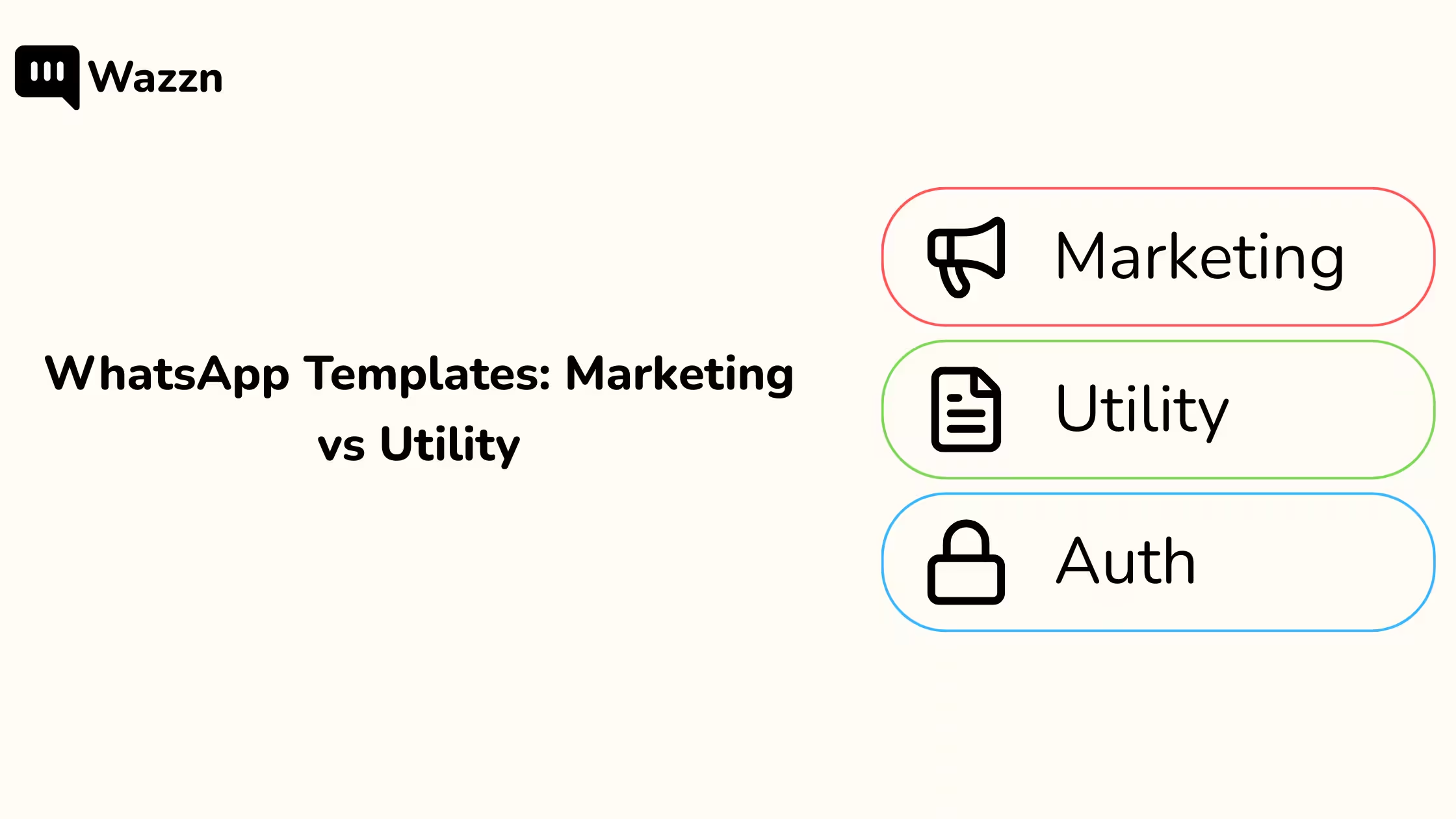
Meta groups WhatsApp Business Platform templates into three main categories: Marketing templates, Utility templates, and Authentication templates. These categories are important because they help define the real purpose of a message and determine how it should be used within the WhatsApp Business API.
For businesses using Wazzn, getting this right matters from the start. Choosing the correct template category helps you create better customer journeys, reduce avoidable rejections, and keep your WhatsApp Business messaging aligned with Meta’s rules.
If you want a broader introduction before diving into categories, you can also explore Wazzn’s Message Templates Overview.
What are WhatsApp Business Platform templates?
WhatsApp Business Platform templates are pre-approved messages businesses use to start conversations with customers outside the standard customer service window. They are commonly used across the WhatsApp Business API for marketing messages, transactional updates, customer notifications, and authentication flows.
In simple terms, templates allow businesses to send structured messages at scale while staying within WhatsApp’s approval system. That is why understanding template categories is so important for any business using the WhatsApp Business Platform or the official WhatsApp Business API.
For Wazzn users, templates are not just a technical feature. They are part of how you automate communication, manage customer engagement, and build reliable messaging flows inside your WhatsApp Business platform setup.
What are Marketing templates?
Marketing templates are used when the main goal of the message is promotion. These WhatsApp templates are designed to drive sales, increase engagement, re-activate users, promote products or services, or encourage customers to take a new action.
This category includes messages such as:
- Discount offers
- Limited-time promotions
- Product launches
- Seasonal campaigns
- Cart recovery campaigns with incentives
- Win-back messages for inactive customers
A simple rule helps here: if the message is trying to sell, upsell, cross-sell, or bring the customer back, it is a Marketing template.
For example, messages like these would usually fall into the Marketing category:
- “Get 20% off your next purchase.”
- “Our new collection is now live.”
- “Complete your order today and enjoy free delivery.”
If your business uses WhatsApp marketing automation in Wazzn, Marketing templates are typically the category used for campaigns, promotions, and re-engagement flows.
What are Utility templates?
Utility templates are non-promotional messages tied to a specific action the customer already took. Their purpose is to inform, confirm, or update the user about a transaction, booking, payment, subscription, or account event.
This is the category businesses most often use for:
- Order confirmations
- Shipping updates
- Payment receipts
- Appointment reminders
- Account alerts
- Subscription notifications
A Utility template should feel like a service message, not a sales message. It should be clear, direct, and limited to the information the customer actually needs.
Examples of Utility templates include:
- “Your order #12345 has been shipped.”
- “Your appointment is confirmed for Tuesday at 3:00 PM.”
- “We received your payment of {{1}}.”
- “Your subscription will renew on {{1}}.”
Inside Wazzn, this is usually the right category for businesses sending transactional WhatsApp Business messaging through the WhatsApp Business API. If you need the setup steps, see Wazzn’s guide to creating and managing WhatsApp message templates.
What are Authentication templates?
Authentication templates are used for identity verification. These templates are designed for sending one-time passcodes through the WhatsApp Business Platform when users sign up, log in, reset a password, or confirm a sensitive action.
Unlike Marketing templates and Utility templates, Authentication templates exist purely for security-related use cases. If the message contains a verification code that helps the user confirm their identity, it belongs in this category.
Examples include:
- Sign-up verification codes
- Login authentication codes
- Password reset codes
- Transaction confirmation codes
The easiest way to remember this category is simple: if the message is about verification, it is Authentication.
Marketing vs Utility vs Authentication: what is the difference?
The best way to understand template categories is to focus on the real purpose of the message.
- If the message promotes something, it is Marketing.
- If the message updates the customer about something they already did, it is Utility.
- If the message verifies identity with a one-time code, it is Authentication.
This is where businesses often get confused. A message may start as a transaction update but become promotional the moment extra sales language is added.
For example:
- Utility: “Your order #12345 has been shipped and will arrive on Tuesday.”
- Marketing: “Your order #12345 has been shipped — and here’s 15% off your next purchase.”
The first message is transactional. The second message introduces a promotion, which changes the intent and can cause the template to be treated as Marketing instead of Utility.
That distinction matters when creating WhatsApp Business Platform templates because Meta can review the content and decide that the submitted category does not match the actual purpose of the message.
Why Utility templates often get rejected or reclassified
Utility templates are the most misunderstood category in the WhatsApp Business Platform. Many businesses create a message that looks transactional on the surface, then add a discount, promotional CTA, or extra marketing line at the end.
That is usually where problems begin.
A template submitted as Utility can be interpreted as Marketing if it includes:
- Discount codes
- Promotional offers
- “Shop now” style calls to action
- Sales-heavy language
- Links to product pages or store pages
- Urgency-driven phrases such as “limited time” or “don’t miss out”
In other words, Utility templates must stay purely transactional. Once the message starts promoting something, it no longer works as a clean Utility template.
How to make sure a template passes as Utility
If your goal is to submit a Utility template through the WhatsApp Business API, the safest approach is to keep the message tightly connected to a customer action that already happened. The template should clearly relate to an order, booking, payment, subscription, or account event.
Here are the best practices to follow.
1. Keep the intent transactional
Your message should answer a practical question:
- What was confirmed?
- What changed?
- What is the latest status?
- What does the customer need to know right now?
If the answer is about a transaction or account event, the template is likely a good Utility candidate.
2. Remove anything promotional
This is the most important rule. Do not add discounts, offers, product suggestions, upsells, or extra promotional copy to a Utility template.
Avoid language like:
- “Limited-time offer”
- “Use this code on your next order”
- “Shop now”
- “Discover more”
- “Check our latest deals”
Even one promotional line can be enough to move the template into the Marketing category.
3. Use a neutral tone
Utility templates should sound like service notifications. The wording should be simple, factual, and easy to understand.
Good examples:
- “Your order {{1}} has been delivered.”
- “Your payment of {{1}} has been received.”
- “Your appointment is scheduled for {{1}}.”
Risky example:
- “Great news! Your order is on the way 🎉 Browse our latest offers while you wait.”
The more your template sounds like an ad, the less likely it is to remain Utility.
4. Use relevant buttons and links
Buttons and links should support the transaction, not open the door to a promotion.
Usually safe:
- View order
- Track shipment
- Manage booking
- Download invoice
Usually risky:
- Shop now
- Browse products
- View collection
- See our offers
A good Utility CTA helps the customer complete or review the action they already took.
5. Keep only necessary details
The strongest Utility templates are focused. Include the order number, payment amount, appointment date, or account detail that matters, and leave out anything unrelated.
Too much extra content can blur the message intent and create approval risk.
6. Match the category to the message
When creating templates in Wazzn, make sure the selected category, the wording, and the actual use case all match. If you choose Utility, the content should read like a transactional notification from beginning to end.
That alignment improves clarity and gives your template a better chance of being approved as intended.
A practical Utility template checklist
Before submitting a Utility template, ask:
- Is this message tied to an action the customer already took?
- Is the wording factual and non-promotional?
- Does the message avoid discounts, offers, and upsells?
- Is the CTA directly related to the transaction?
- Would this still make sense if all marketing language were removed?
If the answer to any of these is no, the message may be better submitted as a Marketing template instead.
How Wazzn helps
Wazzn helps businesses manage WhatsApp Business messaging more efficiently by giving teams a structured way to create, organize, and submit templates for review. That makes it easier to separate Marketing templates from Utility templates and keep your WhatsApp Business Platform setup cleaner from the start.
If your team is creating template-based flows for promotions, order updates, reminders, or verification, Wazzn gives you a practical way to manage those message types in one place. Instead of guessing how to structure every template, you can use Wazzn alongside your internal workflow to review message intent before submission.
You can start with the Message Templates Overview, continue with the guides for creating and managing WhatsApp message templates, or browse the full Wazzn Help Center for step-by-step support.
Final thoughts
If you use the WhatsApp Business Platform or the WhatsApp Business API, learning the difference between Marketing, Utility, and Authentication templates is essential. The category you choose shapes how your message is reviewed, how it is used, and whether it matches Meta’s expectations.
The most common mistake is trying to make Utility templates do too much. If the message informs, confirms, or updates, keep it transactional. If it promotes, treat it as Marketing. If it sends a one-time passcode, it belongs in Authentication.
That simple distinction can help you build better WhatsApp Business messaging flows, avoid template confusion, and create cleaner communication inside Wazzn.